MyTripLog vs. a camera roll
Your camera roll kept the photos. It didn't keep the trip.
Scroll back to a trip from two years ago and it's all there: four hundred photos in a row, between a receipt and a screenshot of a boarding pass. What's missing is everything around them. Which town was that? What was the name of the place with the terrace? Why did you stop there at all?
Free · works alongside the photos you already have
Three different jobs
"Travel app" covers three quite different things. None of them is wrong. They keep different parts of a trip, and it helps to know which one you're after.
Keeps every picture, safely
Your camera roll, and the cloud library behind it. Excellent at holding thousands of photos and finding one by date or by what's in it. It doesn't know which photos were one trip, or what you thought of the place.
Records the line you moved along
A GPS track of every road and trail, usually recorded in the background. Good for distance and for the shape of a route. A line doesn't say why you stopped, or which stop was the one worth remembering.
Keeps the places you chose
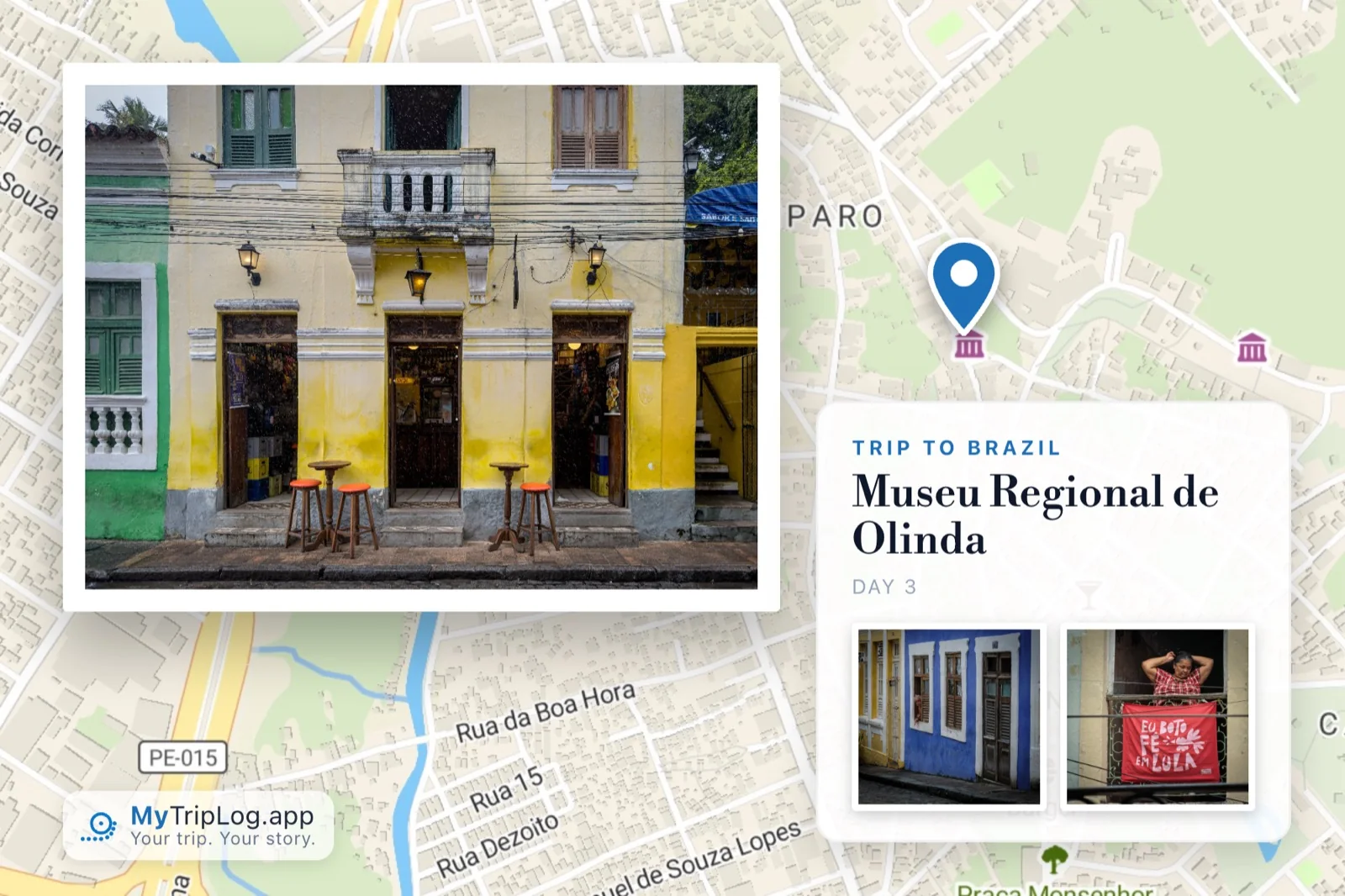
Each stop you log is a waypoint: the place, the time, your notes, a rating and the photos that belong to it. That's what MyTripLog keeps, and the trip is built out of them.
Side by side
In general terms: every photo library and tracker is different, and plenty of people happily use one of each. The point is what each is built to hold.
You don't have to choose
MyTripLog isn't a replacement for your photo library, and it doesn't try to be. It leaves your gallery exactly as it is. The photos you add to a trip are saved at full resolution in the cloud storage you already use, filed by trip and by day. Here's how that works.
It also works backwards. If you've come home with a memory card full of photos and nothing else, drop the folder into the desktop app. MyTripLog groups the photos by when they were taken and matches them to the stops you logged, and you check it on a map before anything is saved.
And if you'd rather have a tracker for the hiking and MyTripLog for the rest, that's a perfectly good arrangement.
Questions
Do I have to stop using my camera roll or photo library?
No. MyTripLog doesn't replace where you keep your photos, and it doesn't delete or move anything in your gallery. The photos you add to a trip are saved, at full resolution, in the Google Drive, Dropbox or OneDrive account you connect.
Can I turn photos I've already taken into a trip?
Yes. In the desktop app, drop a folder of photos onto a trip, up to 100 at a time. MyTripLog groups them by when they were taken and matches each group to a waypoint you logged nearby, and you confirm everything on a map before anything is saved. On iPhone you can also make a waypoint from a single photo in your gallery.
Does MyTripLog record my route like a GPS tracker?
No. It asks for your location only while you are logging a waypoint, and never in the background. The route on the map is drawn between the places you chose to log, in the order you were there.
Isn't a shared album enough?
For passing photos around, often yes. A trip record adds what an album doesn't: where and when each photo was taken, what you wrote about it, and every stop in order on a map, including the stops where you took no photos at all.
What does MyTripLog cost?
Nothing. There is no subscription and no advertising.
Related
Keep the trip, not just the photos.
Create a free account and log your first waypoint in under a minute.