Waypoints, not albums
A trip is places and moments, not a pile of images. Every stop gets a pin on the map, whether or not you took a photo.
The travel journal that thinks in places
MyTripLog turns every journey into a living map of waypoints — each place, the moment you were there, your notes, and the photos worth keeping. Your photos stay in your own cloud.


"Your camera roll keeps the photo.
It quietly forgets the trip."
A folder of images loses the order of the day, the place you stood, the reason a moment mattered — and the stops where you simply didn't take a photo at all.
MyTripLog is built around a different unit: the waypoint. A place, not a file.
way · point
"The atom of a trip: one place you were — its location and time, your notes, a rating, and any photos worth keeping."
One waypoint, one card
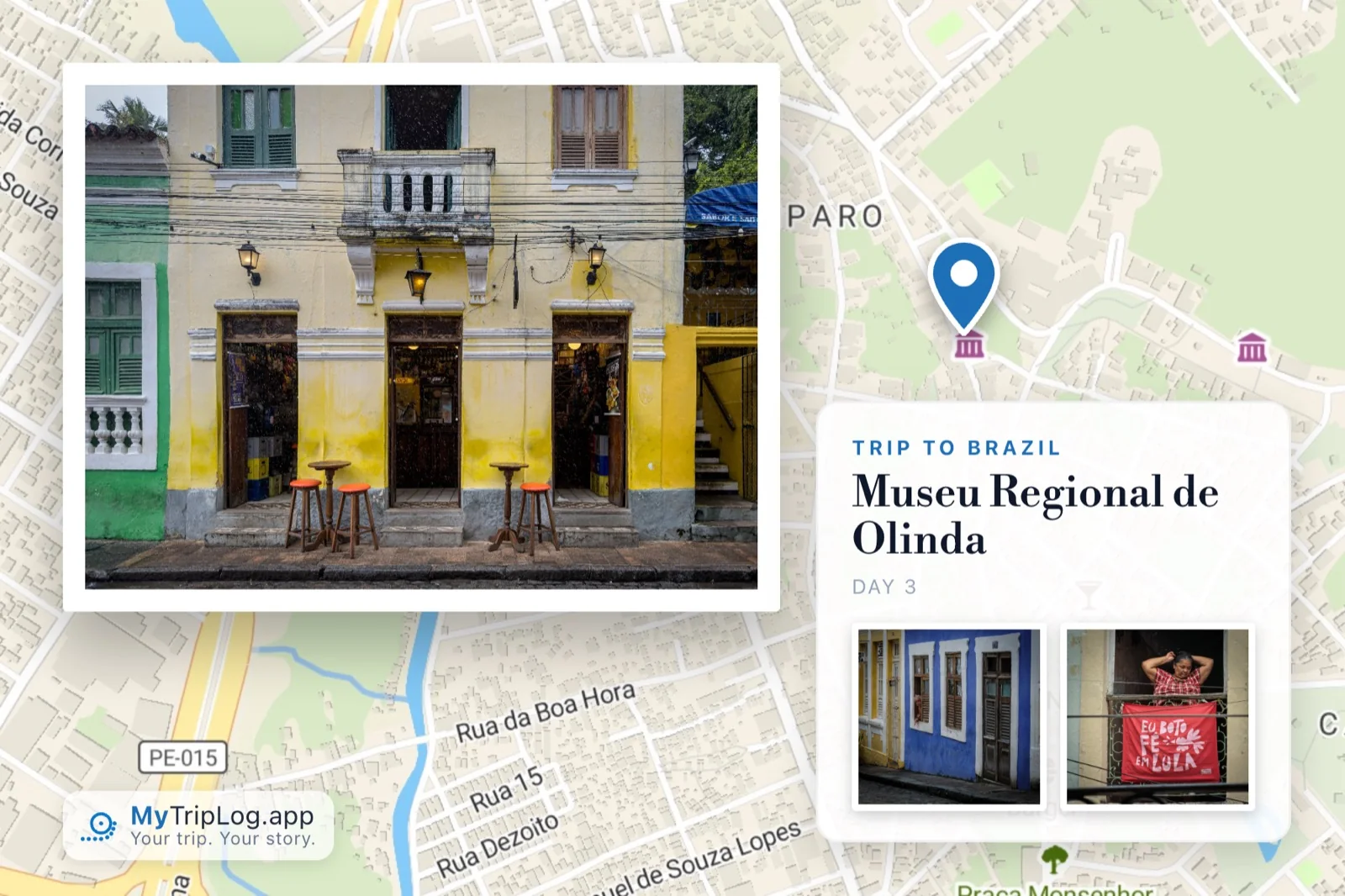
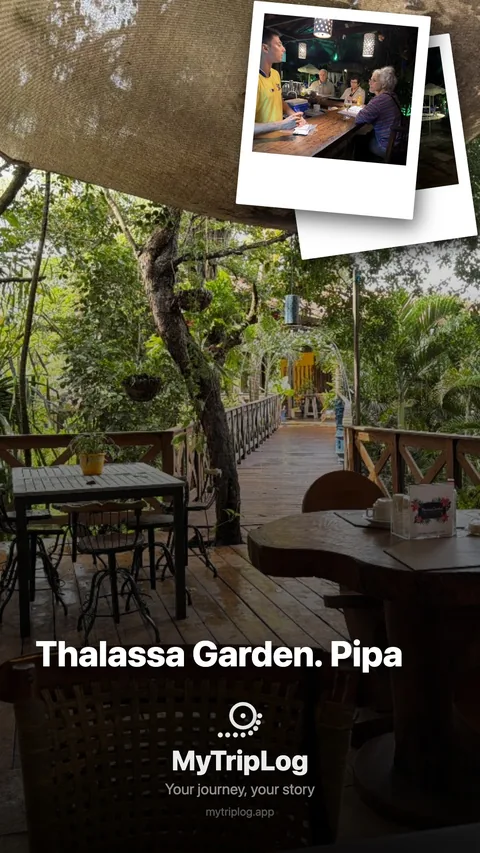
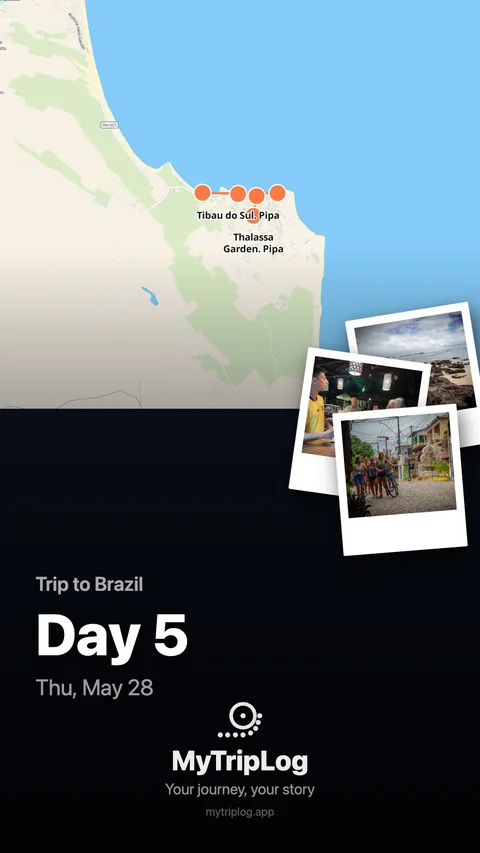
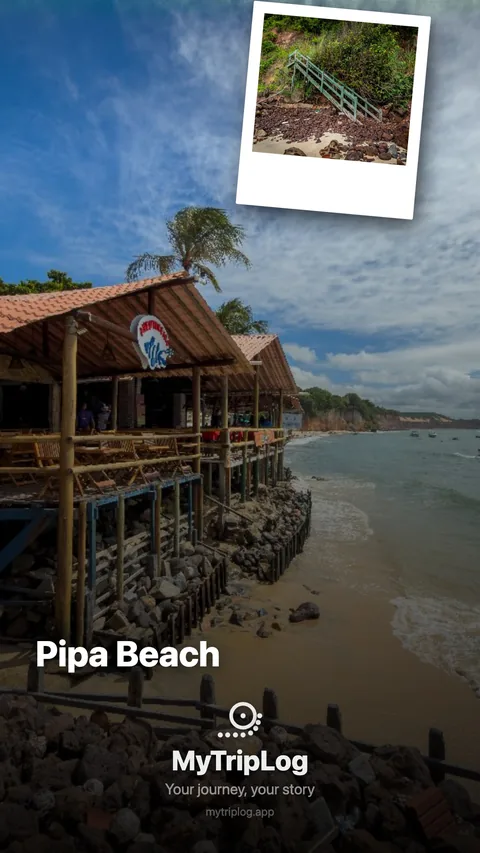
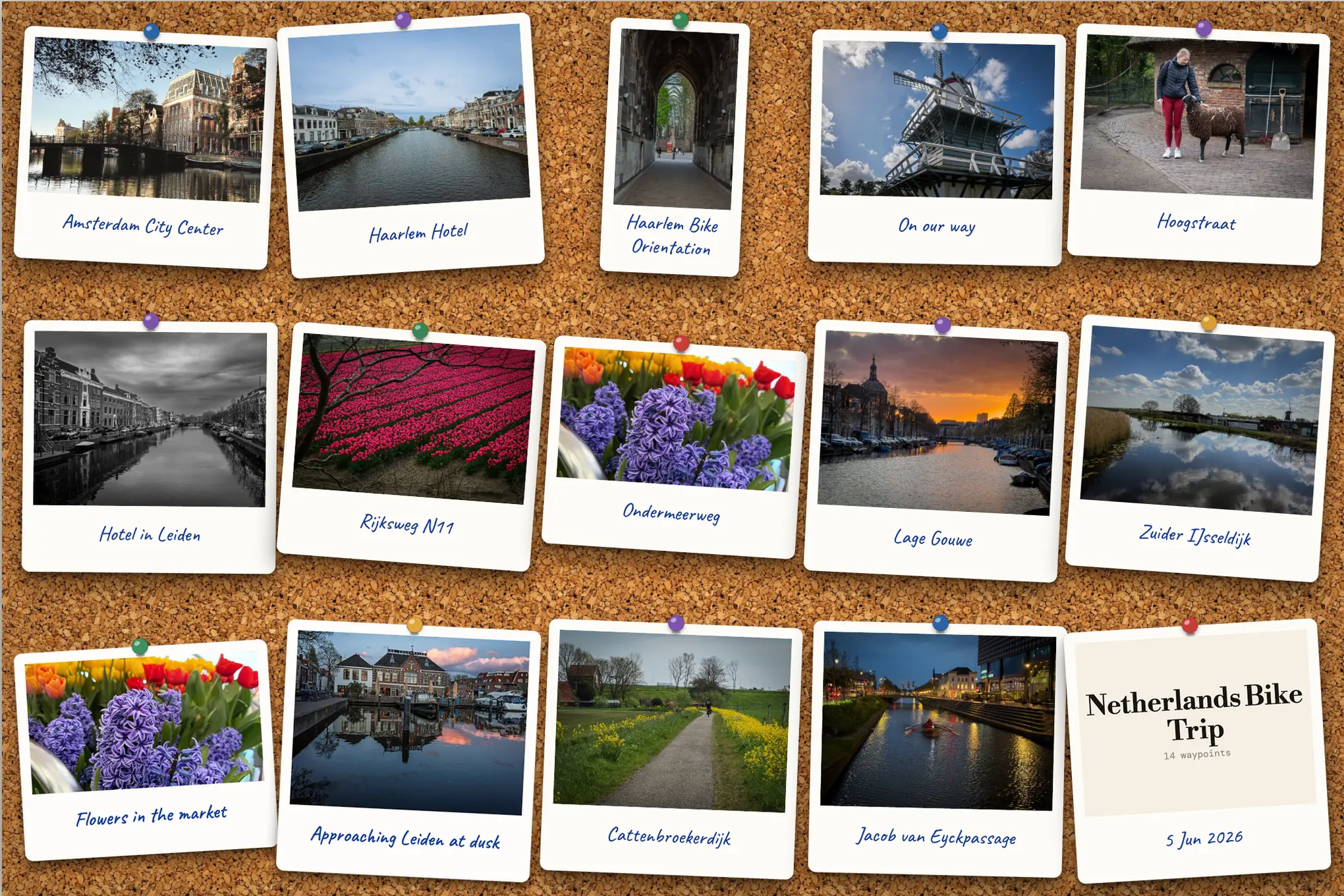
Every waypoint can be sent as a postcard — the photograph, the place, the day, and where on the map you actually stood. Made in the app, in one tap.
How it works
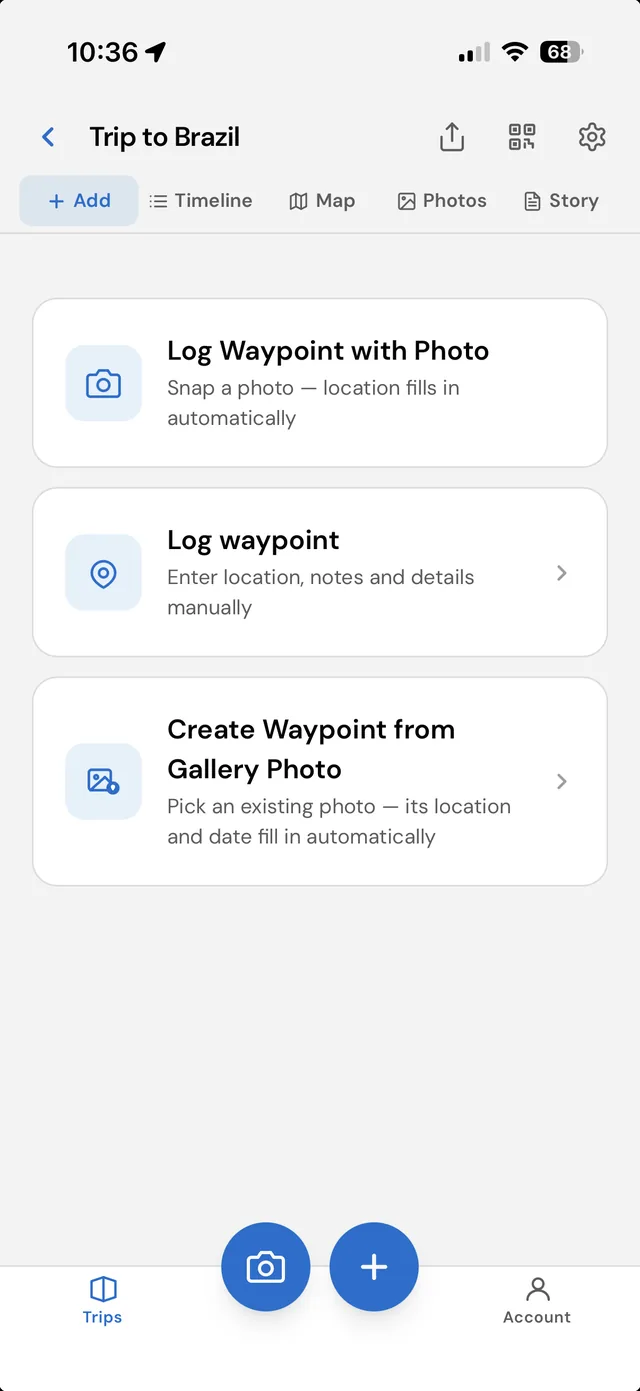
Tap to drop a waypoint wherever you are. Add a note, a rating, and a photo — or just the pin. Takes under ten seconds.
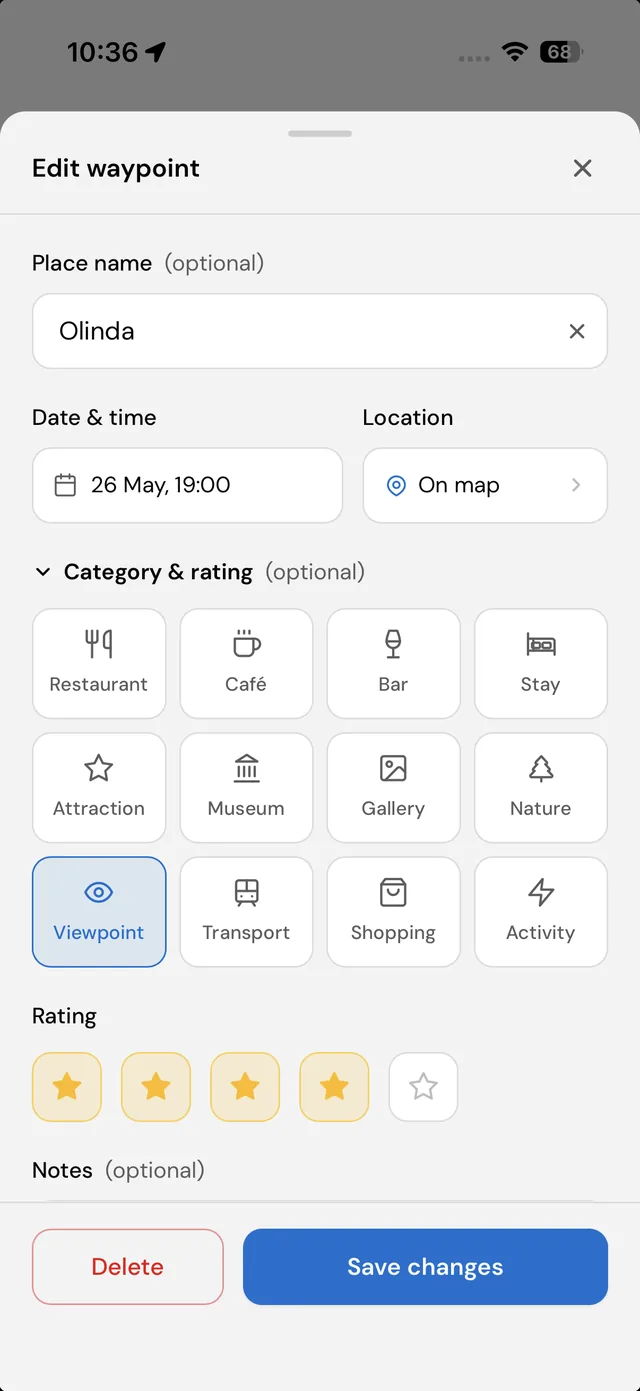
At camp, on the train, or back home — fill in the detail, write the story behind the stop, reorder photos. No rush.
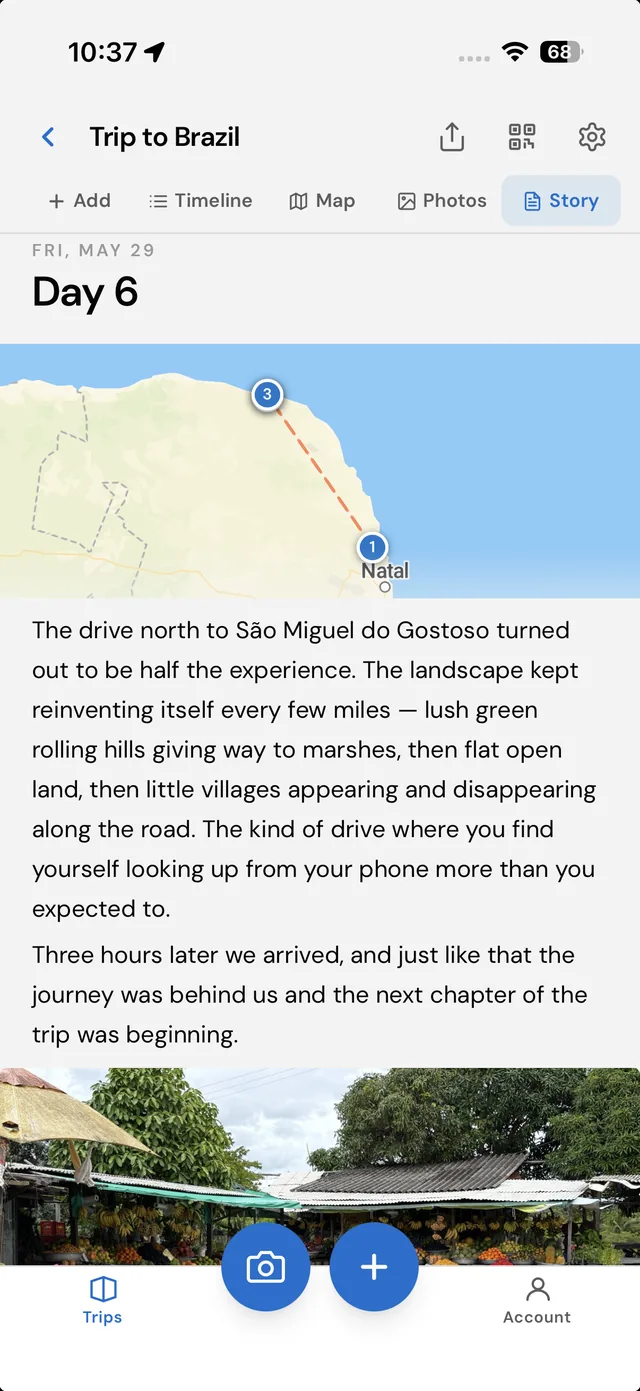
Pan the interactive map or scroll the day-by-day timeline. Share moments to social as you go, or send the complete trip as a read-only link when you're back.
Map & timeline
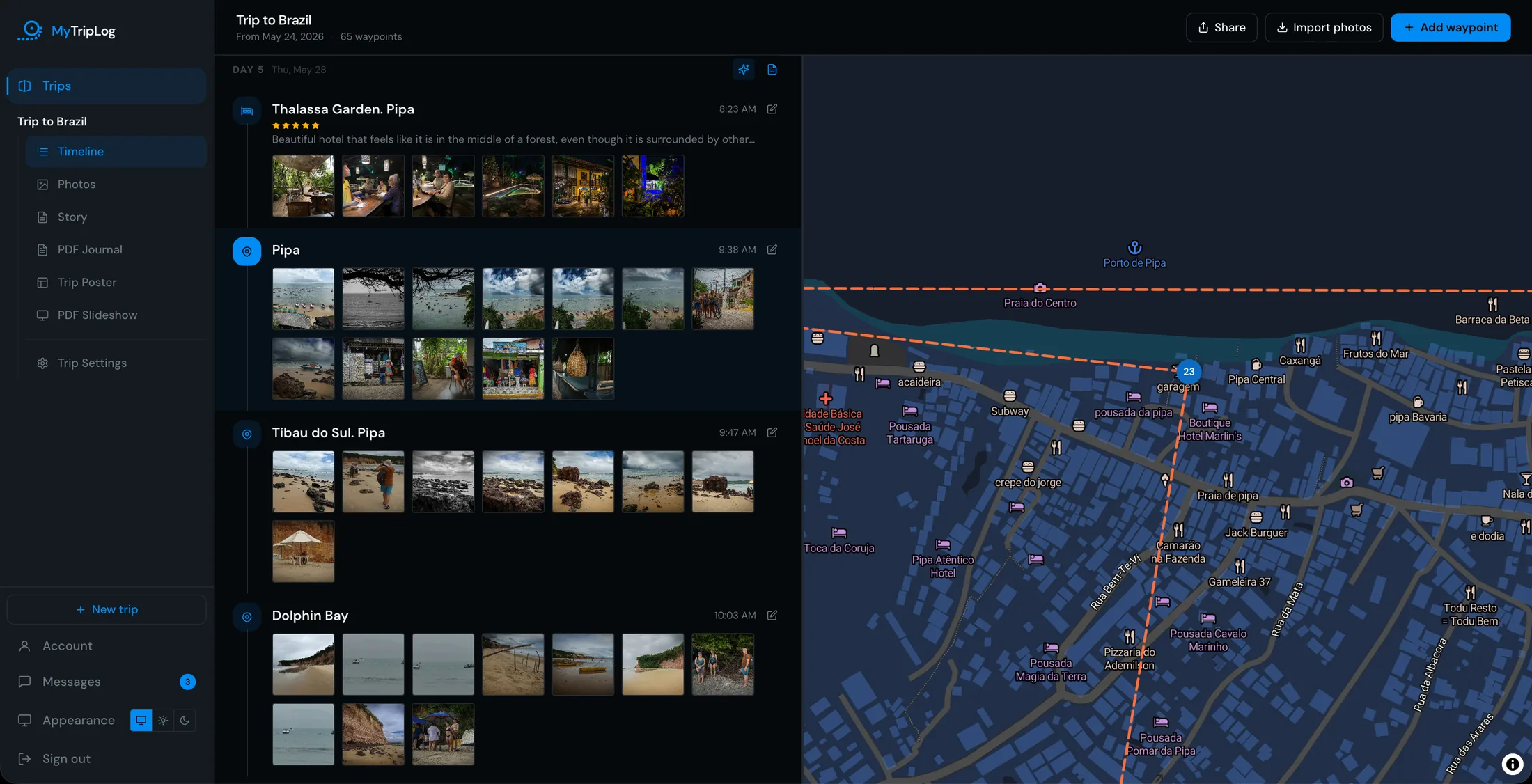
Pan and zoom an interactive map of your whole trip, or scroll it day by day in the timeline. Click any waypoint to see the notes and photos you captured in the field.
Share moments as you travel — post a day card or waypoint photo to Instagram, WhatsApp, or X directly from the app. Your followers experience the trip in real time.
Share the full trip after — send a read-only link once you're back. Viewers see the route, every waypoint, and all the photos without needing an account.
Features
A trip is places and moments, not a pile of images. Every stop gets a pin on the map, whether or not you took a photo.
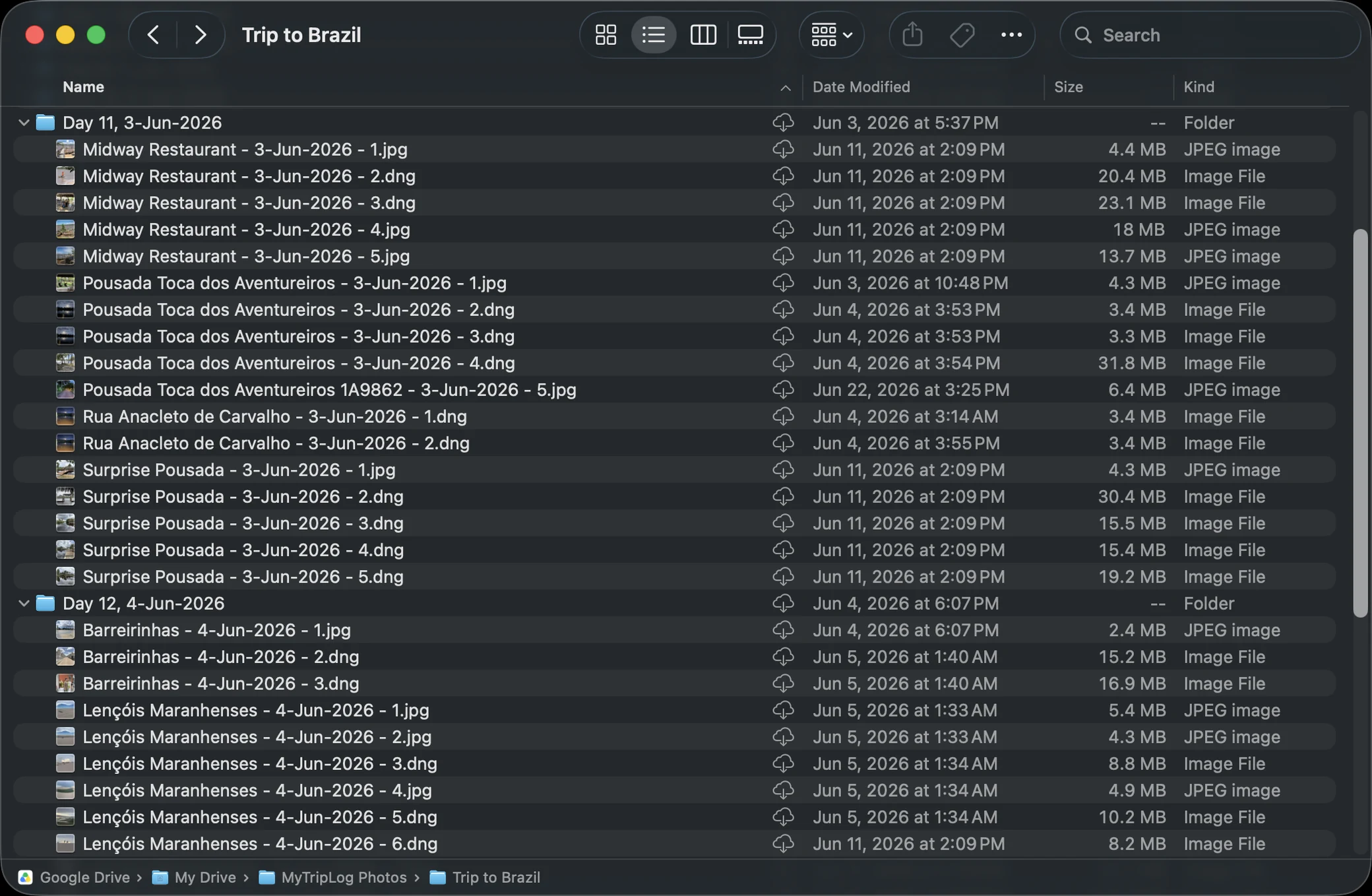
Connect Google Drive, Dropbox, or OneDrive and your photos land in named folders — by trip, by day, by waypoint — at full resolution, untouched.
Capture in dead zones. Waypoints queue locally and sync the instant you reconnect — nothing lost in the backcountry.
See the whole journey plotted on an interactive map, or scroll it day-by-day in the chronological timeline view.
Every trip exports as a readable page, a GPX track, and a full data file — written straight into your own cloud, beside the photos. Nothing locked in a database only we can read.
Post moments to Instagram, WhatsApp, or X as you travel. Or share the full trip as a read-only link when you're back — no account needed to view.
Privacy by design
Your originals, untouched — no downscaling, no re-encoding. The file your camera made is the file we send to your Google Drive, Dropbox, or OneDrive. We never hold your photos.
Organized automatically — photos land in clean, named folders in your cloud: by trip, by day, by waypoint. Browse and search them any time, even without MyTripLog.
Nothing locked in — disconnect anytime and your photos remain in your cloud, in their organized folders, exactly where we left them.
What you make
Every trip can become something you keep. The desktop app lays them out from the waypoints you already logged — no design work, and nothing to buy.
Trip journal
A cover, a map for every day, and a page per waypoint with your notes and photographs at full size.
Slideshow
One slide per photograph, 4:3 or widescreen, with control over the crop on every slide.
Trip archive
A readable web page, a GPX track and a full data file, written into your own cloud beside the photos.
See it for yourself
Thirteen days across Kisumu and Amboseli, Kenya — every stop on the map, every photo in its place, told day by day.
13 days 34 waypoints 364 photos
Open the trip →Pricing
Log trips, map your routes, share with anyone — on mobile and desktop, for as many trips as you want. No subscription, no limits.
Free forever
Both the mobile capture app and the desktop app are free, with no limits on trips or waypoints.
No credit card, no trial, no upgrade prompt.
About us
MyTripLog is designed and built by Etan Rozin, an avid traveler and photographer who wanted a better way to turn a journey into something worth revisiting — and worth sharing with the people who weren't there.
The photos always came home. The journey rarely did.
Trip after trip, he returned with a large batch of photographs that had drifted loose from the places and moments that made them. A folder of images, no longer a journey. The story was still in there somewhere, but finding it again meant guessing at dates and squinting at backgrounds for clues.
As a photographer, two things were not negotiable: the pictures had to stay at their full original quality, and they had to stay organized. That is why MyTripLog keeps your originals in your own cloud storage — untouched, filed by trip and by day — and why every photo stays tied to the waypoint it came from, with the place and the time intact.
It is made for people who travel the same way: who want to remember where they went, tell the story of the journey, and keep a collection of photographs that still makes sense years later.
Some of Etan's photography can be found at rozinphotos.com.
Create a free account and log your first waypoint in under a minute.